SightGuide App Icon
SightGuide v3.8 Spatial Audio Navigation
Meta AI Active
SightGuide assistive spatial navigation for blind and low vision individuals

SightGuide

See the world with your ears

Next-generation spatial assistive navigation powered by Meta AI for blind and visually impaired individuals.

Built for a more inclusive world

Camera Permission

SightGuide needs access to your camera to see and guide you in real time.

Uses rear camera(facing environment)
Processes frames every1 to 2 seconds
Does not store your video
LIVE

SightGuide is ready. Tap Start Live or Demo Mode.

Standby
Sensors Ready Online

Navigation History

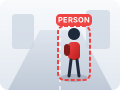
  • Person thumbnail

    Person on your right. Keep left.

    10:24 AM (1 min ago)

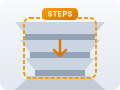
  • Steps down thumbnail

    Steps down ahead. Slow down.

    10:22 AM (3 min ago)
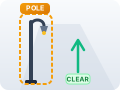
  • Pole thumbnail

    Pole on left. Keep right.

    10:19 AM (6 min ago)

  • Vehicle thumbnail

    Vehicle ahead. Stop.

    10:16 AM (9 min ago)
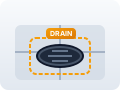
  • Drain thumbnail

    Open drain ahead. Keep left.

    10:12 AM (13 min ago)

Settings

Voice & Language

Voice LanguageMultilingual guidance & translation
Test Voice OutputPlay audio sample in selected language

Sensory & Spatial Assistance

Meta Ray-Ban Glasses ModeOpen-ear acoustic tuning & pocket display saver
Spatial Binaural AudioPans sonar chimes to left or right earbud
Multi-Pattern HapticsDifferentiated vibration pulses by hazard distance
Adaptive Battery SaverSlows camera sampling down when stationary

Speech Cadence

Guidance Style

Camera

Rear Camera (Recommended)Uses the back camera for a wider view

App Mode

Detection OverlayMasks, tracking IDs, labels, opacity
AI ProcessingMuse Spark + SAM 3.1 pipeline
About SightGuide

App Version & Cache

Update to Latest Version (v3.8)Clear old browser cache and reload fresh

Demo Mode

DEMO

Try SightGuide without an API key.
Use staged scenarios and sample data.

  • Side obstacle
    Side Obstacle (Left)
  • Steps down
    Steps Down (Ahead)
  • Moving person
    Moving Person (Right)
  • Low branch
    Low Branch (Ahead)
  • Open drain
    Open Drain (Ahead)
LIVE 3 objects detected
AI is analyzing the scene…

Person

ID: 03

1 to 3 m

Pole

ID: 07

> 3 m

Step

ID: 12

1 to 3 m

Detection Overlay

Show Masks
Show Tracking IDs
Show Labels

Display Mode

Mask Opacity

70%
Tracking keeps the same ID across frames so you know if an object is closer, moving or gone. Changes apply to the next sampled frame.

AI Processing

LIVE Muse Spark + SAM 3.1
  1. 1. Capture Frame(Every 1 to 2 seconds)
  2. 2. Segment & Track(SAM 3.1)
  3. 3. Prioritize Risk(Closest + Moving + Path)
  4. 4. Decide Direction(Muse Spark, locally validated)
  5. 5. Speak & Display(English Voice)

Current Models

SAM 3.1 Segmentation & Tracking
Muse Spark Reasoning & Direction

SightGuide

AI-Powered Accessibility

SightGuide helps blind and low-vision individuals navigate safely using real-time camera vision, AI tracking, and voice guidance.

Meta AI Models
SAM 3.1 + Muse Spark
Built for
Meta Global AI Developer Hackathon 2026
Developer
Ishan Ahmed Fahad
Daffodil International University
CIS, Bangladesh
Meta Logo
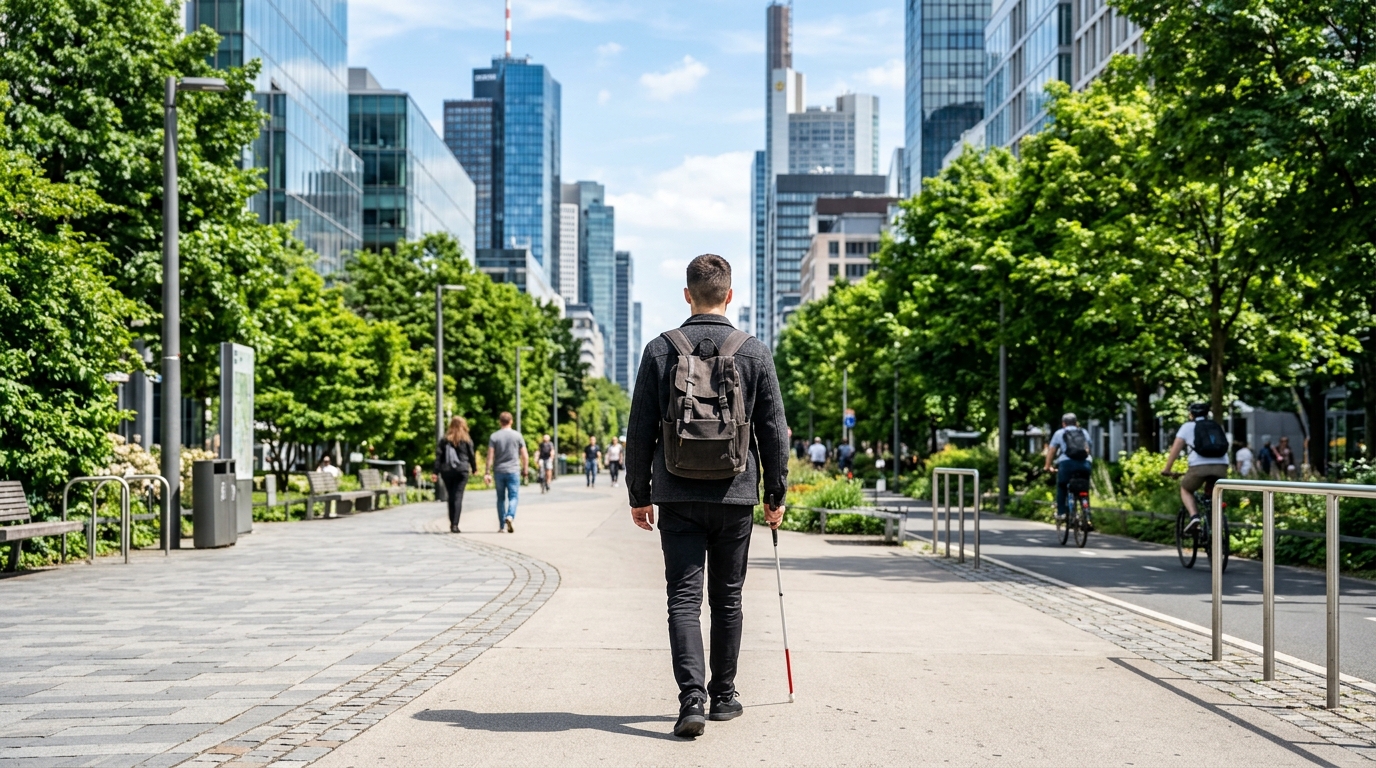
Illustration of person walking with white cane

Your Safety Matters

SightGuide is an assistive guide, not a safety device. Always use a cane, guide dog or a sighted companion.

Assistive only. Guidance has a 1 to 3 second delay for API processing. It is not an instant collision warning. Do not use alone in traffic.